beta · linux x86_64 · macOS

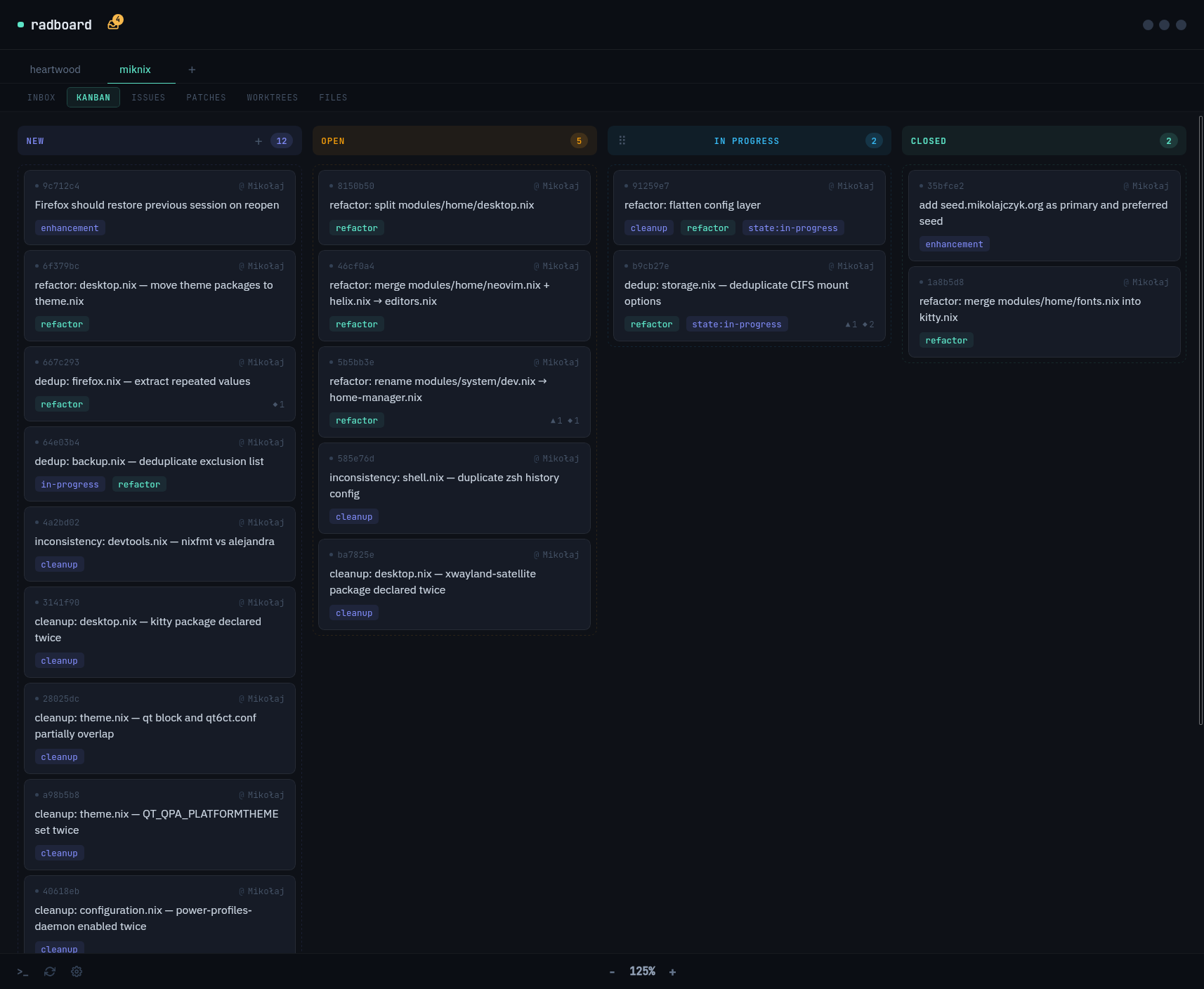
Kanban for
Radicle

Issues, patches, inbox and a kanban board — a desktop app for sovereign, peer-to-peer code collaboration.
Download What is Radicle?
// what is radicle?

Git, but
sovereign.

Radicle is a peer-to-peer code forge built on Git. No corporate server, no single point of failure — your repositories live on a mesh of nodes you control.

Issues, patches (pull requests), and identities are all stored inside the Git repo itself using collaborative objects (COBs), so they replicate with every clone.

Learn more at radicle.xyz ↗
terminal
# install radicle
$ curl -sSf https://radicle.xyz/install | sh

# initialize your identity
$ rad auth
✓ creating identity did:key:z6Mkw…

# publish an existing repo (needs ≥1 commit)
$ rad init
✓ rad:z3gqcJ… (my-project)
$ git push rad master
✓ Synced with 1 node(s)
// features
Kanban Board
Drag issues across columns like you would in Trello or Linear — but every move is a signed Git operation. Columns are fully configurable per repo.
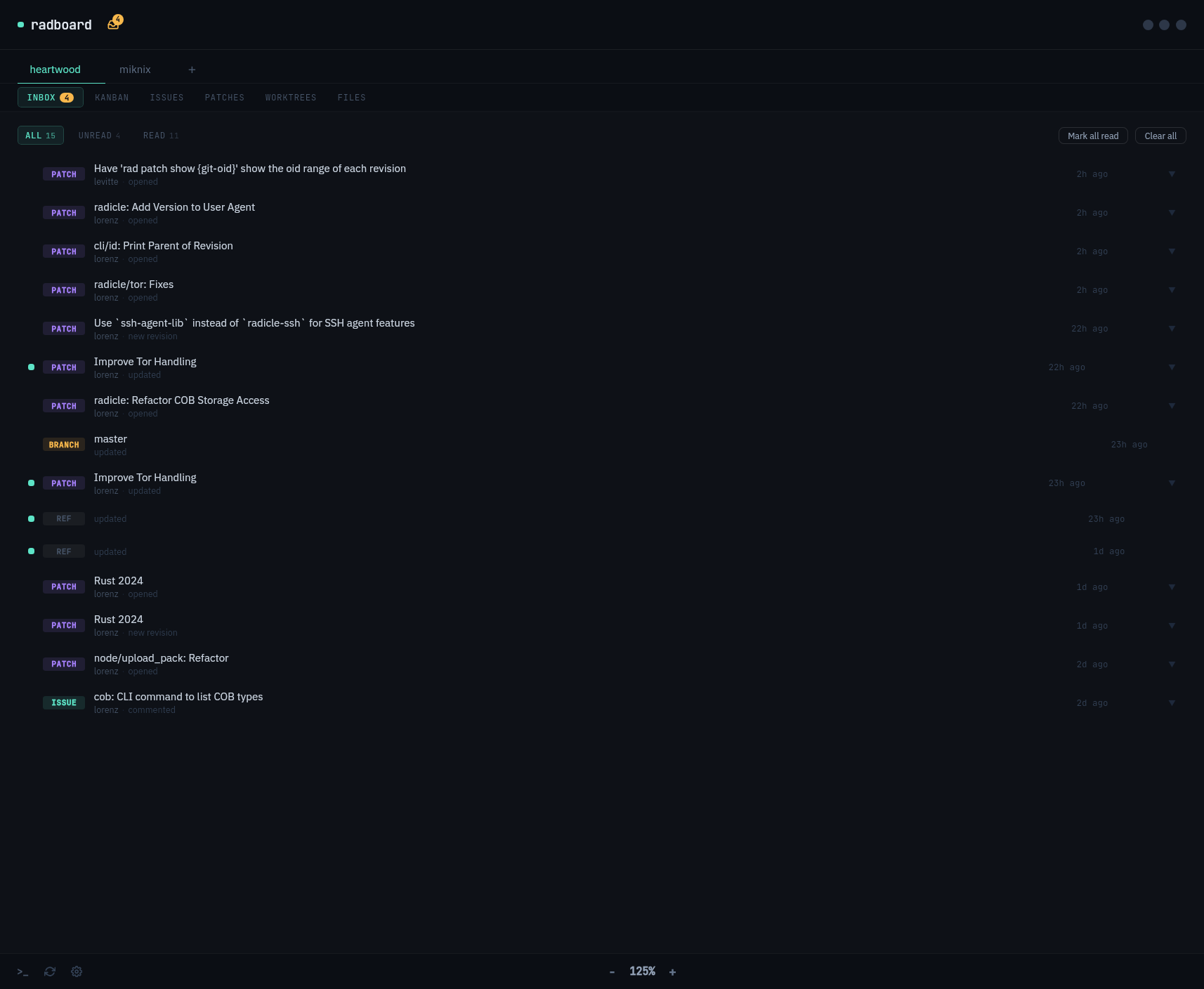
Inbox
Stay on top of patches, issues, and branch updates with a unified inbox. Mark read, filter, clear — built for inbox-zero workflows.
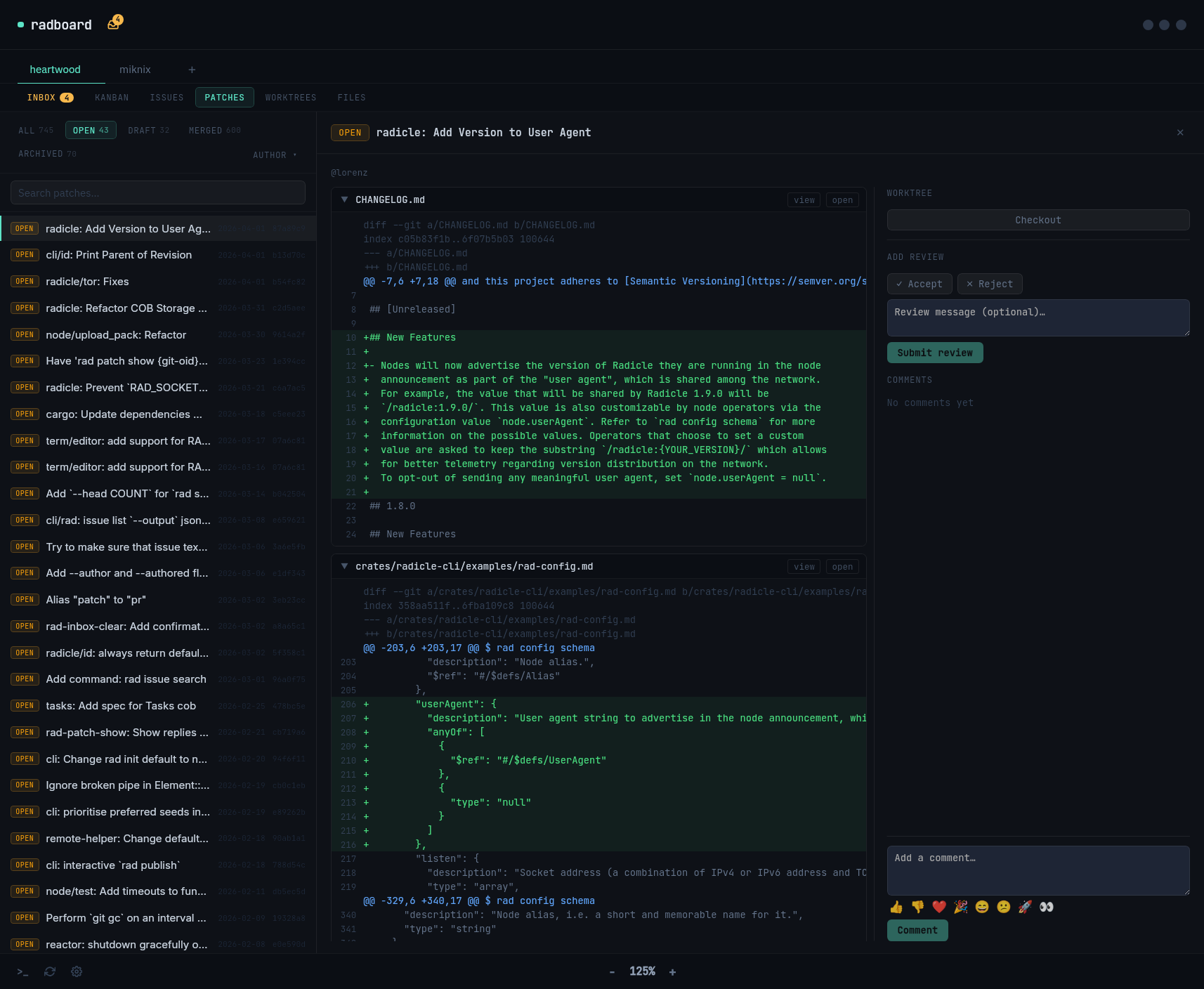
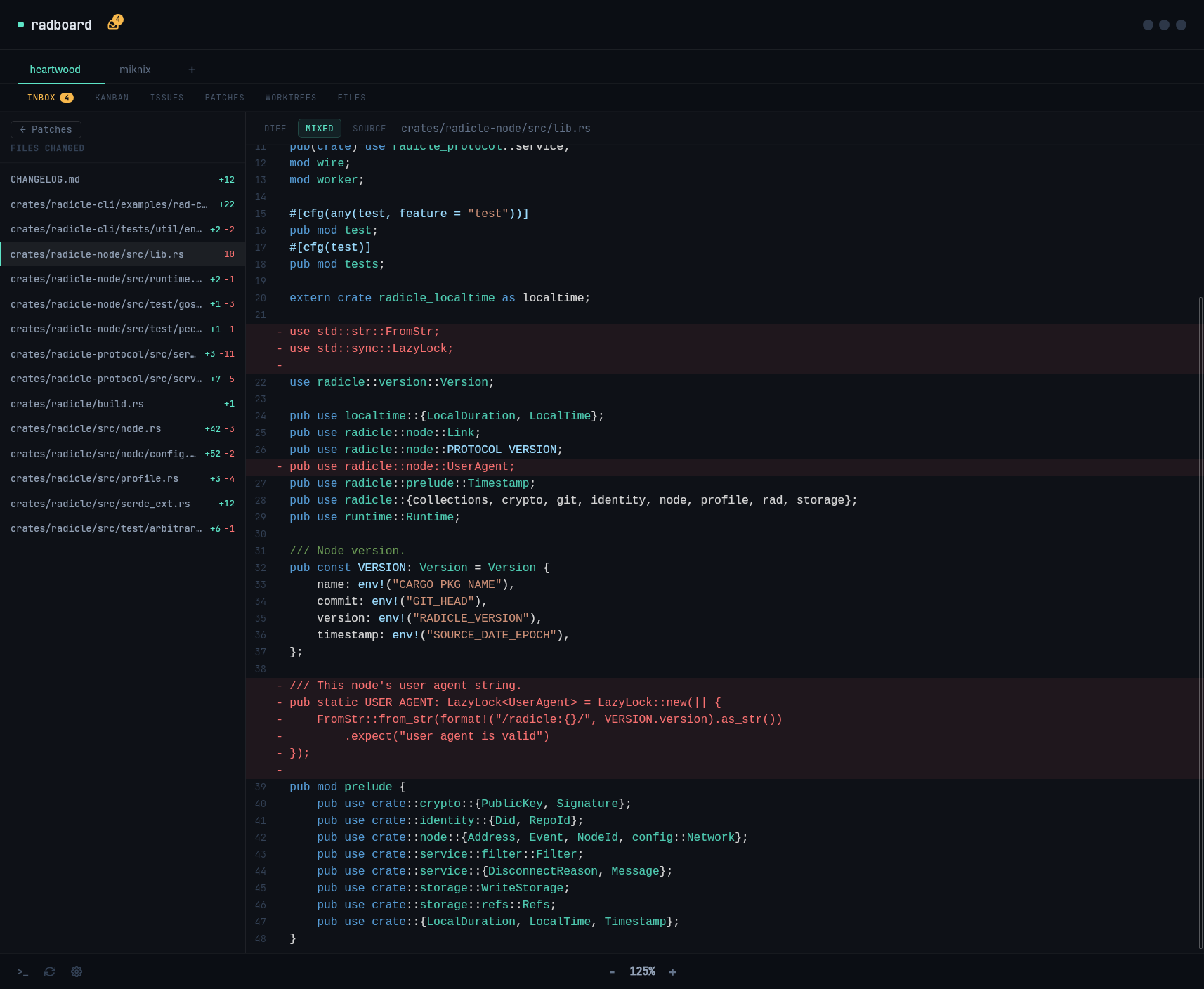
Patch Workflows
Create, edit, and review patches from one concise view. Browse diffs, leave review comments, accept or reject, and spin up a worktree to test changes locally.
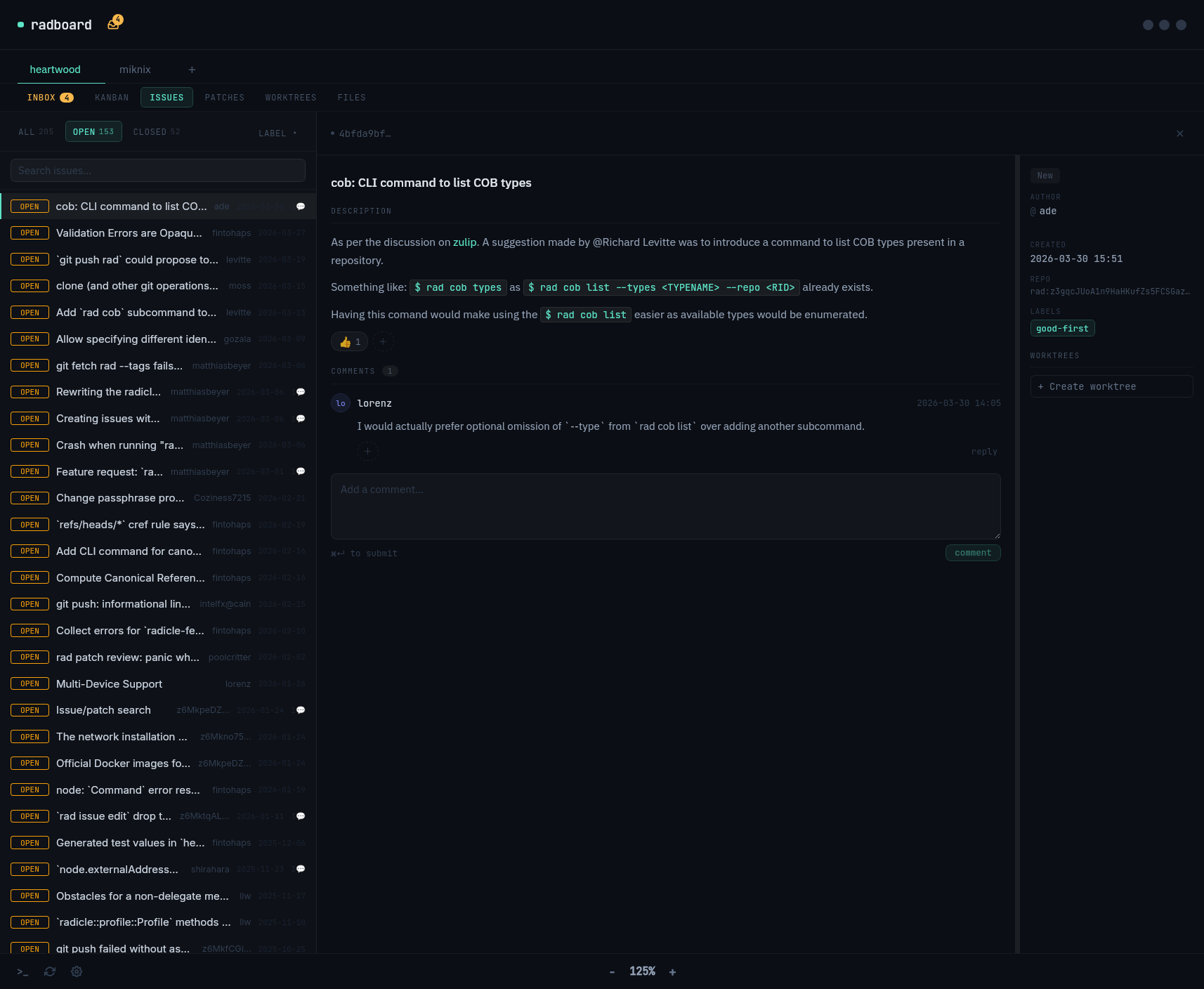
Issues
Full issue tracker with labels, comments, and search. Open, close, and discuss — with markdown and emoji reactions.
Node-native
Talks directly to your local Radicle node via heartwood. No sidecar process, no cloud dependency, no API key required.
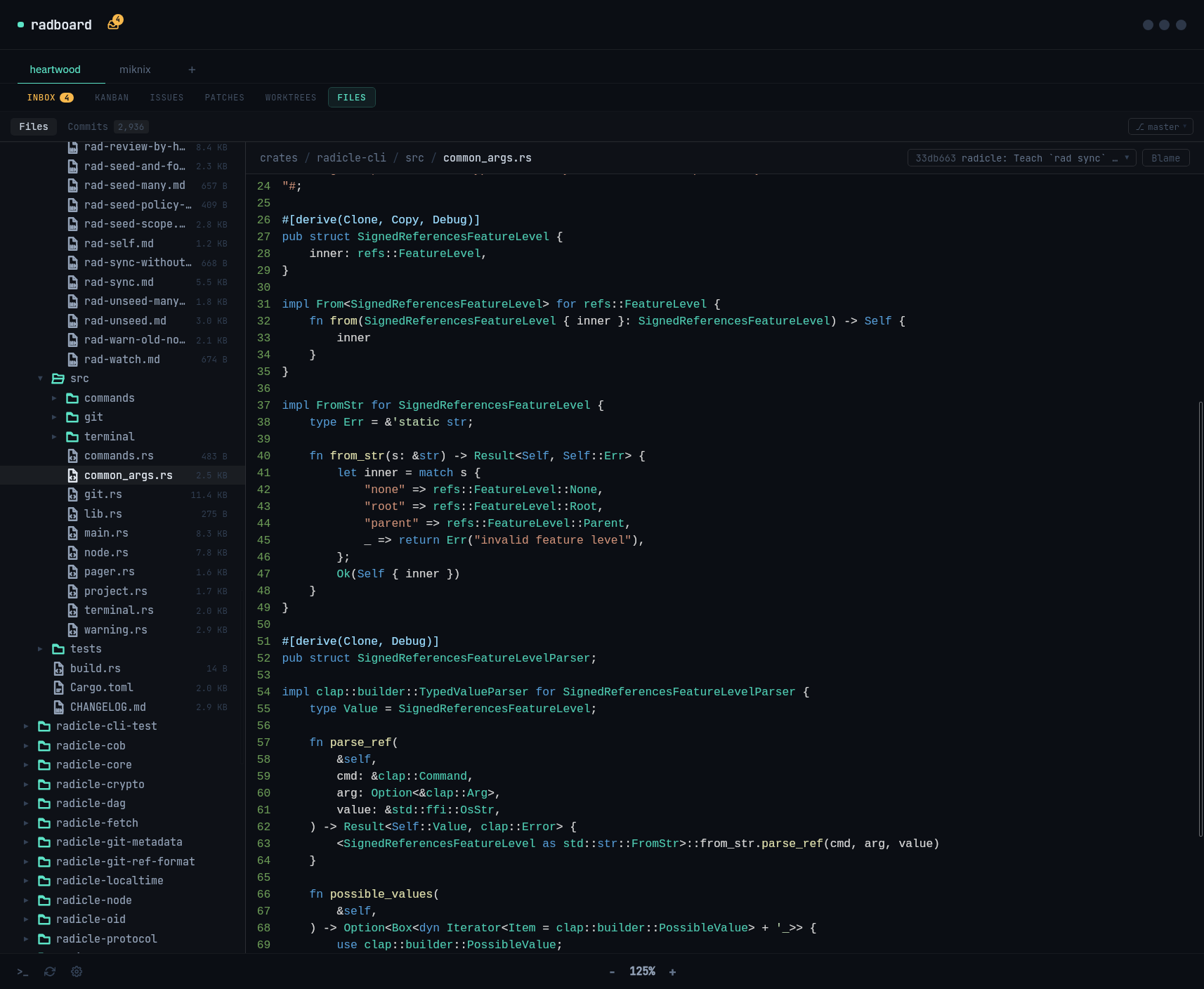
File Browser
Explore source code and commit history directly in the app. Navigate the full repository tree without opening your IDE.
// get it

Run it today.

Linux · macOS · open source · AGPL-3.0

Universal Linux
AppImage
Download, chmod +x, run. No install needed. Works on any modern Linux distro.
↓ radboard-x86_64.AppImage
Debian / Ubuntu
.deb
Install with dpkg or apt. Integrates with your system package manager.
↓ radboard-amd64.deb
Fedora / openSUSE
.rpm
Install with rpm or dnf. Integrates with your system package manager.
↓ radboard-x86_64.rpm
macOS · Apple Silicon
.dmg
Drag to Applications and run. Requires macOS 11+ on Apple Silicon (M1/M2/M3).
↓ radboard-aarch64.dmg
v0.1.2  ·  Changelog  ·  Source on Radicle ↗